
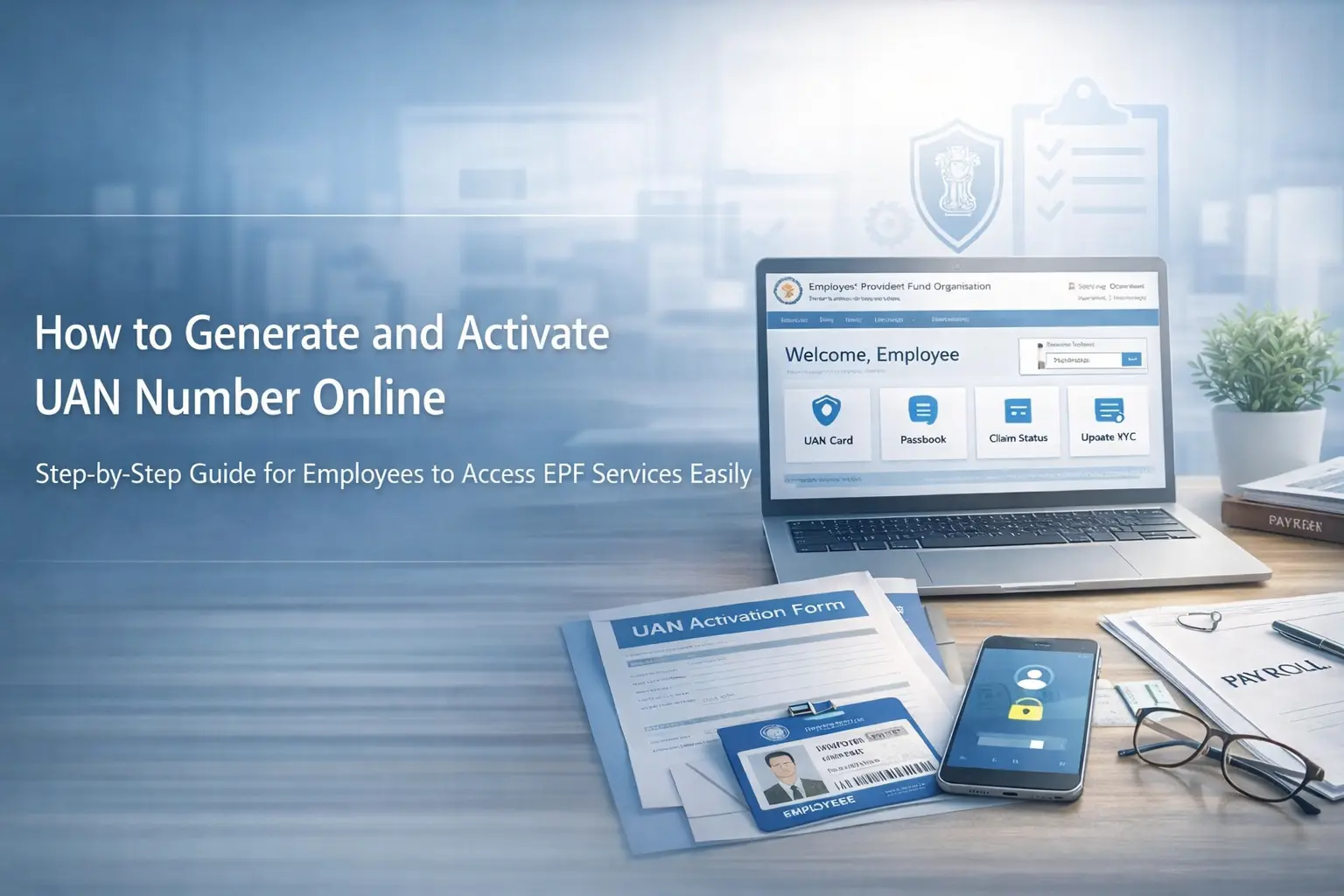
How to Generate and Activate UAN Number Online
If you want to access your EPF account online, transfer your provident fund smoothly, or use important EPFO services, you first need a UAN number. A Universal Account Number helps connect all your provident fund records under one account, making your PF management simpler, faster, and more organized.
Once your UAN number is activated, you can use several online services without unnecessary hassle. You can check your PF balance, view linked member IDs, update KYC details, and manage your account more efficiently, especially when you change jobs.
What Is a UAN Number?
A UAN number, or Universal Account Number, is a 12-digit identification number assigned to employees who contribute to the Employees' Provident Fund. It acts as a single identity for multiple PF accounts created under different employers throughout your career.
When you switch jobs, your new PF member ID can be linked to the same UAN. This keeps your provident fund history connected and makes it much easier to manage your records without confusion.
Why Is UAN Activation Important?
Having a UAN number is only the first step. To use most online EPFO services, you must complete UAN activation. Once activated, your account gives you access to important features such as PF balance checking, passbook download, KYC updates, and member ID tracking.
Without activation, your access to these services remains limited. That is why activating your UAN number online is an important step for every EPF member.
How to Generate UAN Number Online?
If you do not already have a UAN number, you can begin the process online through the official EPFO-related platform or service. Before you start, keep your Aadhaar number and registered mobile number ready, because both are important for verification.
Open the Official Platform
Start by opening the official platform or app that provides EPFO services. Look for the option related to UAN allotment or registration. This section is specifically meant for users who want to generate a UAN number online for the first time.
Enter Your Basic Details
You will need to enter your Aadhaar number, mobile number, and other required information. Make sure all details match your official records correctly, because even a small mismatch can create verification issues later.
Complete OTP Verification
After entering your details, an OTP will be sent to your registered mobile number. Enter the OTP carefully to continue. This step confirms your identity and allows the system to process your request securely.
Finish the Verification Process
In some cases, you may also be asked to complete an additional verification step. Once your details are validated successfully, your UAN number can be generated and shared with you on your registered mobile number.
How to Activate UAN Number Online?
If you already have a UAN but it is not active, you can complete the UAN activation process online in a few simple steps. This process is designed for existing UAN holders who want full access to EPFO member services.
Select the UAN Activation Option
Open the official EPFO service platform and choose the UAN activation option. This section is specifically meant for members who already have a UAN number and now want to activate it for online access.
Fill in the Required Information
Enter your UAN number, Aadhaar number, mobile number, and any other required details. Accuracy is very important here, because the system must match your information with the official records.
Verify Through OTP
Once the information is submitted, you will receive an OTP on your registered mobile number. Enter the OTP correctly to proceed with the activation process.
Complete Final Activation
After successful verification, your UAN number gets activated. You may also receive login credentials or a temporary password on your mobile number, which you can use to access your EPFO account online.
What Details Do You Need to Generate or Activate a UAN?
To generate UAN number online or complete UAN activation, you should keep a few important details ready in advance. This makes the process smoother, faster, and far less stressful.
Aadhaar Number
Your Aadhaar number is one of the main details used for identity verification. It should be valid and properly linked with your personal records.
Registered Mobile Number
Your mobile number must be active, because OTP verification is an important part of both UAN generation and activation. Without access to your registered number, the process may remain incomplete.
Correct Personal Information
Your name, date of birth, and other personal details should match across all official documents and records. Any mismatch can create avoidable problems during verification.
Important Things to Remember
Before starting the process, it is important to remember a few key points. These small precautions can save time, prevent mistakes, and make your UAN registration or activation process much easier.
Do Not Create Multiple UANs
If you already have a UAN number, do not try to generate a new one. One UAN should continue throughout your employment journey. Creating multiple UANs can create confusion in your PF records and delay future account-related processes.
Use Only Official Platforms
Always use official EPFO platforms or apps for any UAN-related service. Your Aadhaar and personal details are sensitive, so it is always safer to avoid unknown websites or unofficial portals.
Keep Your KYC Details Updated
Make sure your mobile number and KYC information are updated. Accurate records help you complete the process more smoothly and reduce the chances of future issues.
What Common Problems Can Occur During UAN Generation or Activation?
Some users face minor issues during the online process. In most cases, these problems can be resolved easily by checking the details entered during the application or activation steps.
Incorrect Aadhaar or Mobile Number
If the Aadhaar number or mobile number is entered incorrectly, OTP verification may fail. Always double-check these details before submitting the form.
OTP Delay or Non-Receipt
Sometimes, the OTP may be delayed because of network issues or an incorrectly entered mobile number. In such cases, wait for a short time, then try again carefully.
Mismatch in Official Records
If your UAN, Aadhaar, or personal information does not match the official records, the system may not complete the verification. In that case, updating your records may be necessary before trying again.
What Are the Benefits of an Activated UAN?
An activated UAN number makes provident fund management much easier. It gives you better visibility, easier access, and more control over your EPF account.
Easy Access to PF Details
Once your UAN activation is complete, you can check your PF balance, view member IDs, and access important account details online with ease.
Smooth Transition During Job Changes
When you move to a new employer, the same UAN can continue. This keeps your PF history connected, organized, and easier to manage.
Better Digital Account Management
An active UAN number online helps you use digital EPFO services more effectively, including passbook access, KYC updates, and account monitoring.
Conclusion
Learning how to generate and activate UAN number online is essential for every EPF member who wants a simple and efficient way to manage provident fund records. The process becomes straightforward when you keep the right details ready and follow each step carefully.
The most important things to remember are simple: use correct information, keep your Aadhaar-linked mobile number active, and avoid creating duplicate UANs. Once your UAN number is generated and activated, managing your EPF account becomes much more convenient and stress-free.
Frequently Asked Questions
ESS in HRMS works as the employee-facing part of the system, where employees can apply for leave, view attendance, download payslips, and update personal details, while HR manages approvals and records.
They typically handle salary calculations, statutory compliance, payslip generation, tax filings, employee self-service portals, and detailed payroll reporting.
Punch in your income, deductions and tax details on the “Annual Assessment Form” available after you register or log in to the Income Tax e-filing portal.
In fact, under Section 276CC of the Income Tax Act, non-filing can result in up to 6 months to 7 years' imprisonment.
We help you claim refunds, manage future losses and contribute towards your legal obligations through ITR filing.