
Provident Fund Statement Download: Complete Guide
Accessing your Provident Fund (PF) statement is now easier than ever. Whether you are an employee wanting to track your contributions or planning your retirement, downloading your PF statement online is simple, secure, and convenient. This guide will help you download your PF statement step by step.
What is a Provident Fund Statement?
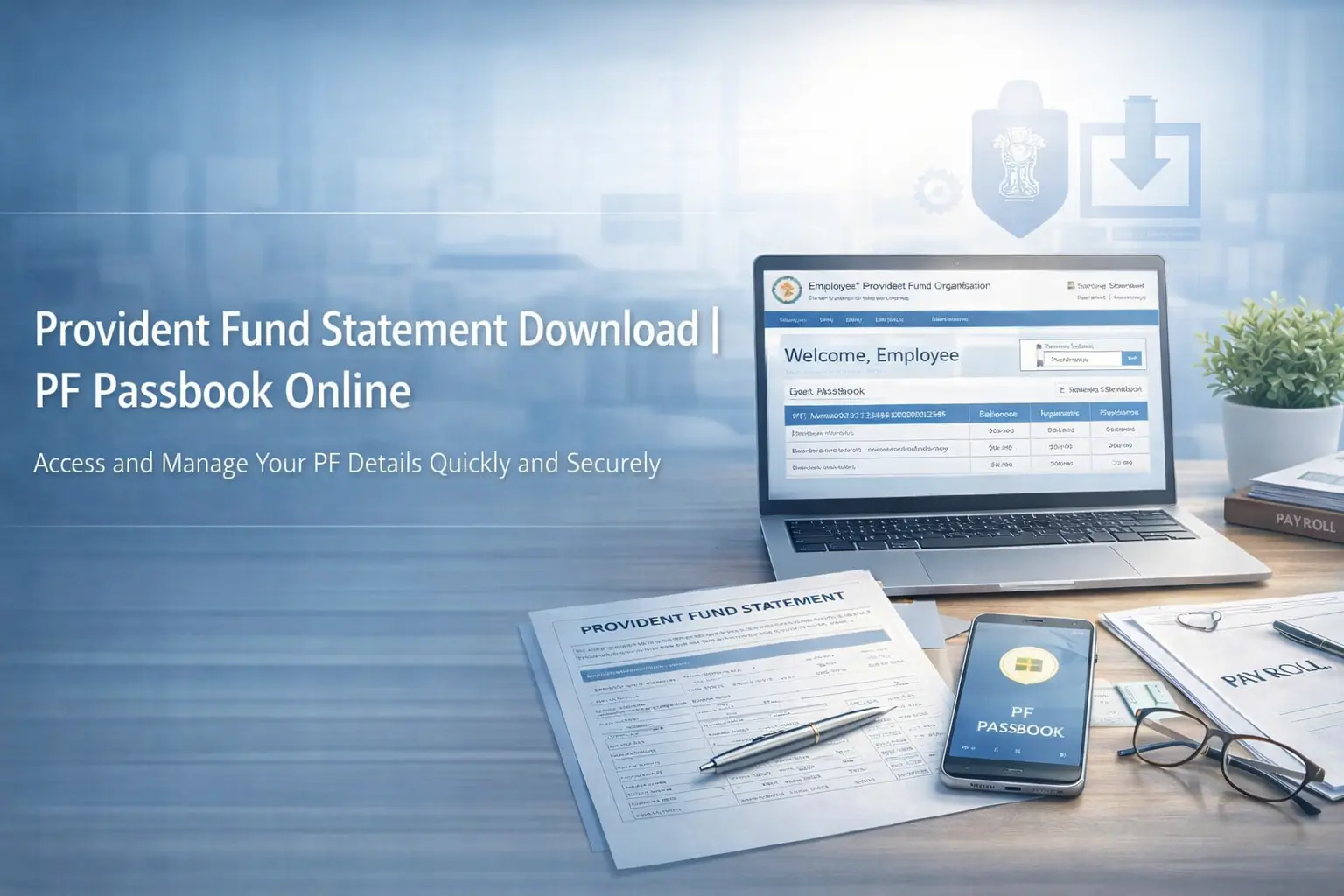
A Provident Fund statement is an official record showing your PF account balance, monthly contributions by you and your employer, interest earned, and withdrawal history. Issued by the Employees’ Provident Fund Organisation (EPFO), it is an essential document for retirement planning.
Why is it Important?
- Track Contributions: Monitor your monthly PF deposits.
- Financial Planning: Plan for retirement and long-term goals.
- Transparency: Ensure your account is accurately updated.
- Withdrawal or Loan: Required for PF advances or withdrawals.
Eligibility for Downloading PF Statement
To download your PF statement online, you need:
- Universal Account Number (UAN): Activated and valid.
- Registered Mobile Number: Linked to your UAN for OTP verification.
- EPF Account Details: Multiple accounts should be linked to UAN if applicable.
Methods to Download Provident Fund Statement
1. Download via EPF Portal
- Visit the EPFO Member Portal.
- Log in using your UAN and password.
- Go to “View” → “Passbook”.
- Select your member ID to view the statement.
- Click “Download” to save a PDF copy.
2. Using the UMANG App
- Download the UMANG App from Google Play or Apple App Store.
- Register using your mobile number.
- Go to EPFO Services → Employee Centric Services → View Passbook.
- Enter your UAN and verify with OTP.
- Your PF statement will appear and can be downloaded.
3. SMS Facility
Check PF balance via SMS (UAN must be active and linked to your mobile):
- Type: EPFOHO UAN <last 4 digits of UAN>
- Send to 7738299899
- You will receive your current PF balance (note: full statement not included).
4. Through Your Employer
Some companies provide internal portals where employees can download monthly PF statements directly. Contact your HR department for access.
Tips for Safe Downloading
- Always use official portals to avoid fraud.
- Never share your UAN or OTP with anyone.
- Keep a digital copy for your records.
- Regularly check your PF statement to ensure contributions are correct.
Common Issues & Troubleshooting
- Incorrect Balance: Contact HR or EPFO for corrections.
- UAN Not Activated: Activate at EPFO portal.
- Mobile Number Not Linked: Update your number via employer.
Conclusion
Downloading your Provident Fund statement is crucial for financial transparency and retirement planning. Using official portals or the UMANG app, you can securely access your PF statement anytime. Regularly checking your statement ensures accurate contributions and helps in planning your long-term financial goals.